

It’s 2 AM and your water heater just started leaking all over the garage floor. You’re standing there in your pajamas, flashlight in hand, trying to remember: Is this thing still under warranty? Where did I even put that receipt?
If you’ve ever lived through a moment like this, you already know why paper folders don’t cut it anymore.
I’ve walked through hundreds of homes — some beautifully organized, and some where the sellers couldn’t find a single maintenance record if their life depended on it. That contrast taught me something important: the homeowners who stay calm during emergencies and get more money at resale are almost always the ones with their paperwork together.
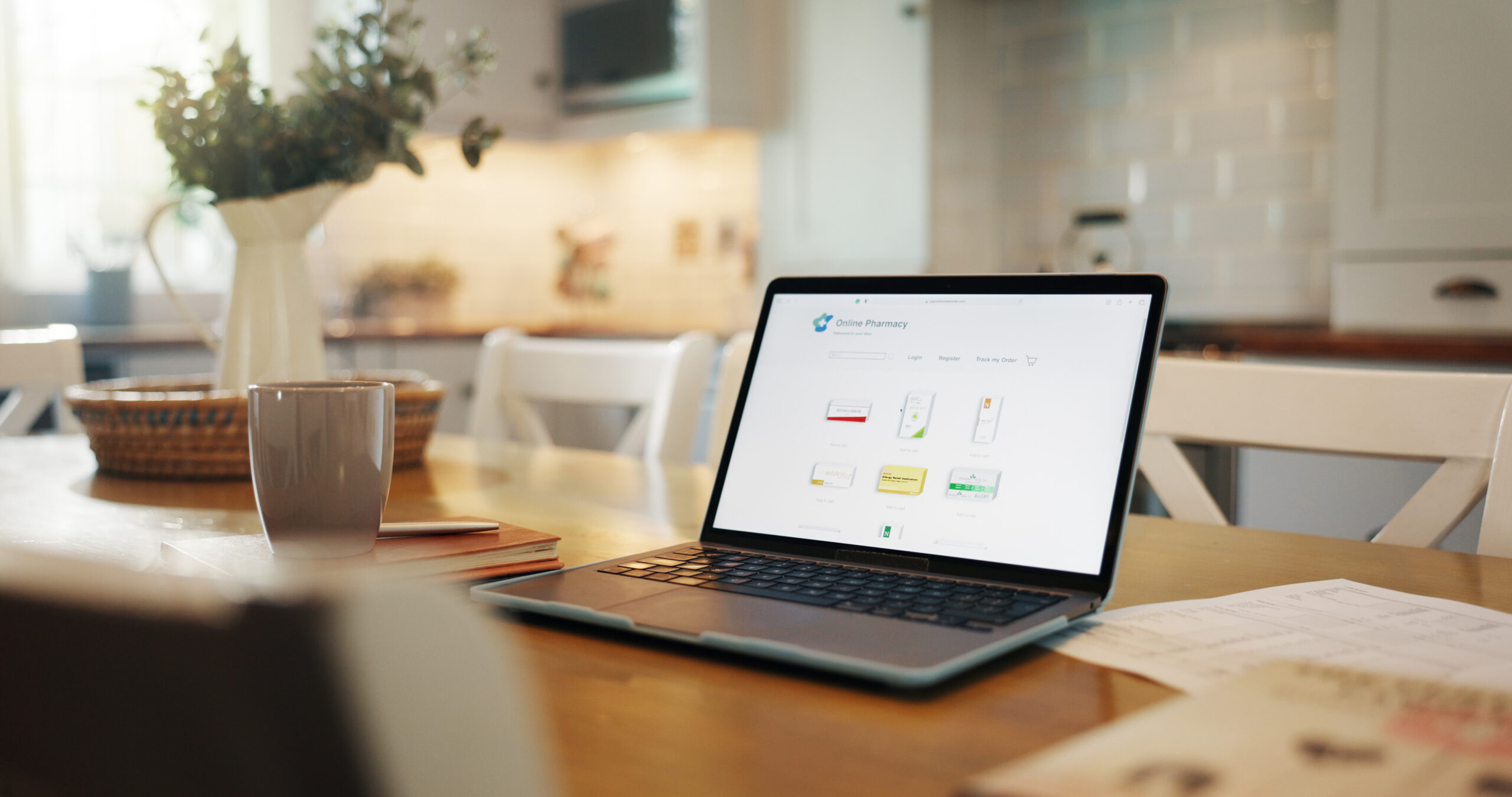
A digital home management binder is simply an organized, cloud-based system that holds everything about your house in one place. Think of it as a home organization system that lives on your phone instead of buried in a filing cabinet. No more digging through drawers. No more guessing. Just open an app, and it’s all there.
In this guide, I’ll walk you through exactly how to build one, step by step, using tools you probably already have.
Why Go Digital? The Real Benefits of Ditching Paper
I used to keep a fat accordion folder stuffed with receipts and manuals. Then I moved twice in three years, and half of it either got lost or turned into a soggy mess in a moving box. Never again.
Here’s what changed once I switched to a digital system:
- It’s always in your pocket. Your phone goes everywhere, so your home records do too. No more “I’ll grab that paper when I get home.”
- You can search it instantly. Typing “furnace filter size” into a search bar beats flipping through pages of a binder.
- Zero physical clutter. No drawers, no folders, no water damage risk.
- Automatic cloud backup. If your house floods or burns, paper records are gone forever. Cloud storage for homeowners means your documents survive even if your house doesn’t.
- Easy to share. Need to send your plumber a photo of the water heater’s serial number? Done in ten seconds.
As someone who photographs homes for a living, I can tell you this: the sellers with organized emergency home documents and repair histories almost always make the closing process smoother. Buyers and their agents love seeing proof that a home was well cared for.
Choosing Your Tool: Where Should Your Binder Live?
You don’t need anything fancy. The best tool is the one you’ll actually use. Here’s a simple comparison of the most popular options.
| Tool | Best For | Ease of Use | Cost | Searchability |
|---|---|---|---|---|
| Google Drive / Dropbox | Beginners who want something simple | Very easy | Free (with paid upgrades) | Good, especially with clear file names |
| Notion | People who like customizing layouts and databases | Moderate (small learning curve) | Free for personal use | Excellent, built for organizing info |
| Dedicated Home Apps (like HomeZada or Centriq) | Homeowners who want an all-in-one solution | Very easy | Often free with paid tiers | Excellent, built specifically for homes |
My honest take: if you’re just getting started, use Google Drive. It’s simple, everyone already has an account, and you can set it up in the next ten minutes. If you love organizing things and want fancier features like linked databases, Notion is a fantastic option. Dedicated apps are great if you want built-in reminders for maintenance tasks, but they add another subscription to manage.
What Should Go in a Digital Home Management Binder?
This is the question I get asked most often. Here are the four core folders every homeowner needs, no matter which tool you pick.
1. Maintenance Logs
This is your home maintenance log — a running record of everything you’ve done to keep the house in shape.
Include things like:
- HVAC filter changes and service dates
- Gutter cleanings
- Lawn care and pest control visits
- Any repairs, big or small
I learned this one the hard way. Three years after painting our living room, my wife wanted to touch up a scuff mark, and neither of us could remember the paint code. We ended up guessing and the patch job stuck out like a sore thumb for months. Now every paint color, stain, and finish gets logged the same day we use it.
2. Warranties and Manuals
This folder is your lifesaver during appliance emergencies. Every appliance warranty, every owner’s manual, every installation receipt goes here.
Snap a photo of the appliance’s serial number sticker the day it’s installed. I do this for every home I photograph for clients, and I do it in my own house too. When something breaks, you won’t be crawling behind the fridge trying to read a faded label in bad lighting.
3. Home Inventory Photos
This is where my photography background really comes in handy. Walk through every room and take clear photos or a short video of your belongings, furniture, and any high-value items.
Why does this matter? If you ever file an insurance claim after a fire, flood, or break-in, having dated photo proof of what you owned makes the process dramatically faster and smoother. Insurance adjusters love clear documentation, and so will your future self.
4. Financial and Insurance Documents
This folder holds the paperwork you hope you’ll never need in a hurry, but you will be so glad it’s there when you do:
- Homeowners insurance policy and contact info
- Mortgage documents
- Property tax records
- HOA agreements, if you have them
Step-by-Step: How to Build Your Binder Today
Don’t let this feel like a huge project. Break it into small steps, and you can have the basics done in one afternoon.
Step 1: Pick your platform. Choose Google Drive, Dropbox, Notion, or a dedicated app based on the comparison above. Don’t overthink this part.
Step 2: Create your four main folders. Set up folders for Maintenance Logs, Warranties/Manuals, Home Inventory, and Financial/Insurance Docs.
Step 3: Do a “phone walk” through your house. Grab your phone and walk room by room, snapping photos of appliances, serial numbers, and valuables. This alone will take less than 30 minutes.
Step 4: Upload your existing paperwork. Dig up whatever warranties, manuals, and insurance documents you already have, and scan or photograph them into the right folders.
Step 5: Start your maintenance log. Create a simple document or spreadsheet and log the last time you serviced your HVAC, cleaned your gutters, or had any repairs done. Add new entries every time something happens from now on.
Step 6: Set a recurring reminder. Add a monthly reminder on your phone’s calendar to update your binder. This keeps it useful instead of letting it go stale.
A Small Habit That Protects Your Biggest Investment
Your home is probably the most valuable thing you own, and yet most of us treat its paperwork like an afterthought. A digital home management binder doesn’t take much time to build, but it pays off the moment something goes wrong — a leaking water heater, an insurance claim, or a buyer asking for your maintenance history at resale.
After 10 years of homeownership and countless hours photographing houses for other people’s big moves, I can tell you this is one of the simplest habits that makes the biggest difference. Start small today, add to it over time, and future you will be genuinely grateful.